AirNav RadarBox Weather Layers: Wind Barbs & Significant Weather
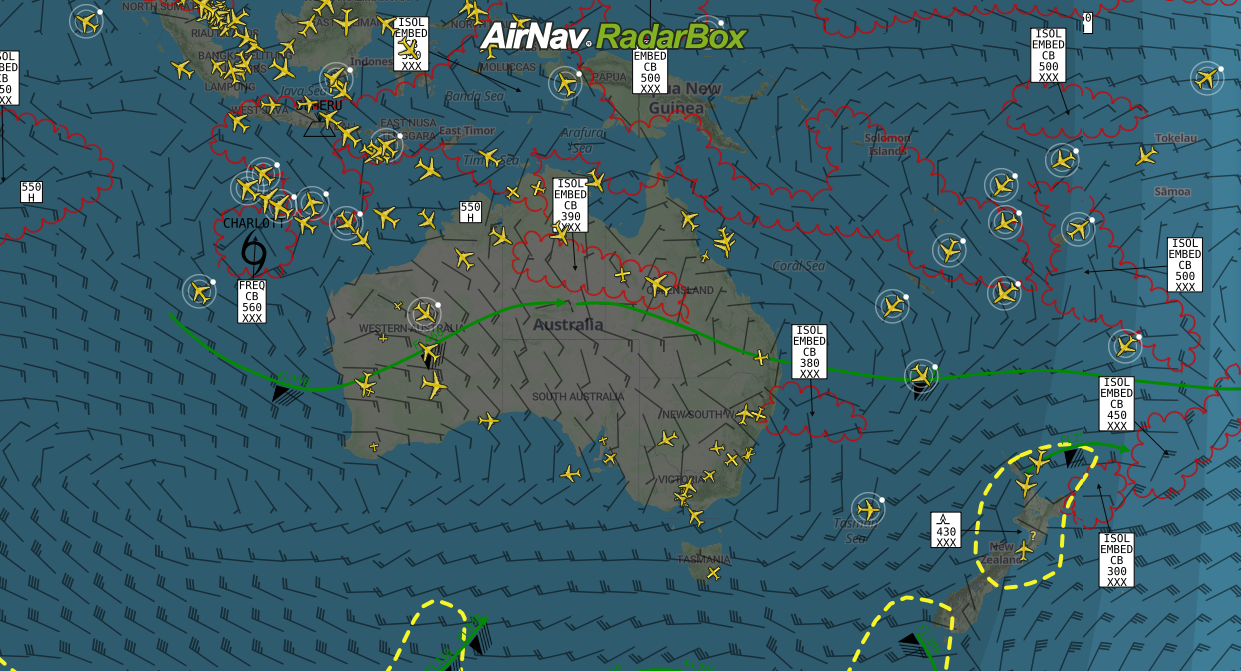
Weather layers (Significant Weather & Wind Barbs) overlayed on the map
This week we highlight two weather layers available on the RadarBox platform that are designed exclusively for aviation professionals.
Wind barbs
The Wind barbs layer provides wind direction and speed from 10,000 feet to 51,000 feet—a crucial tool for flight planning and maximizing potential routes where there are more favorable winds or tailwinds. A tailwind is a wind blowing in the same direction as the object is moving, increasing the speed of the aircraft and spending less time on a course on the way to the final destination.
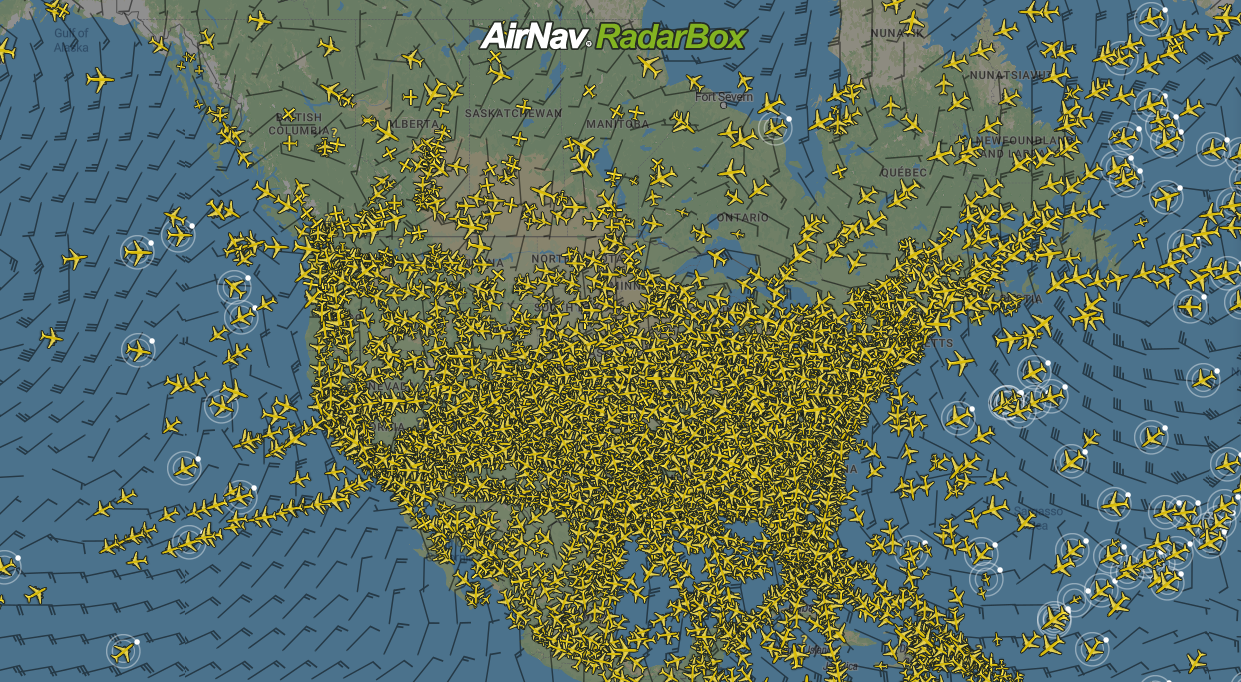
Wind barbs overlayed on the map
Significant Weather
The Significant Weather layer highlights the adverse weather conditions at high altitudes - between FL250 and FL360. Another handy feature for the aviation industry.
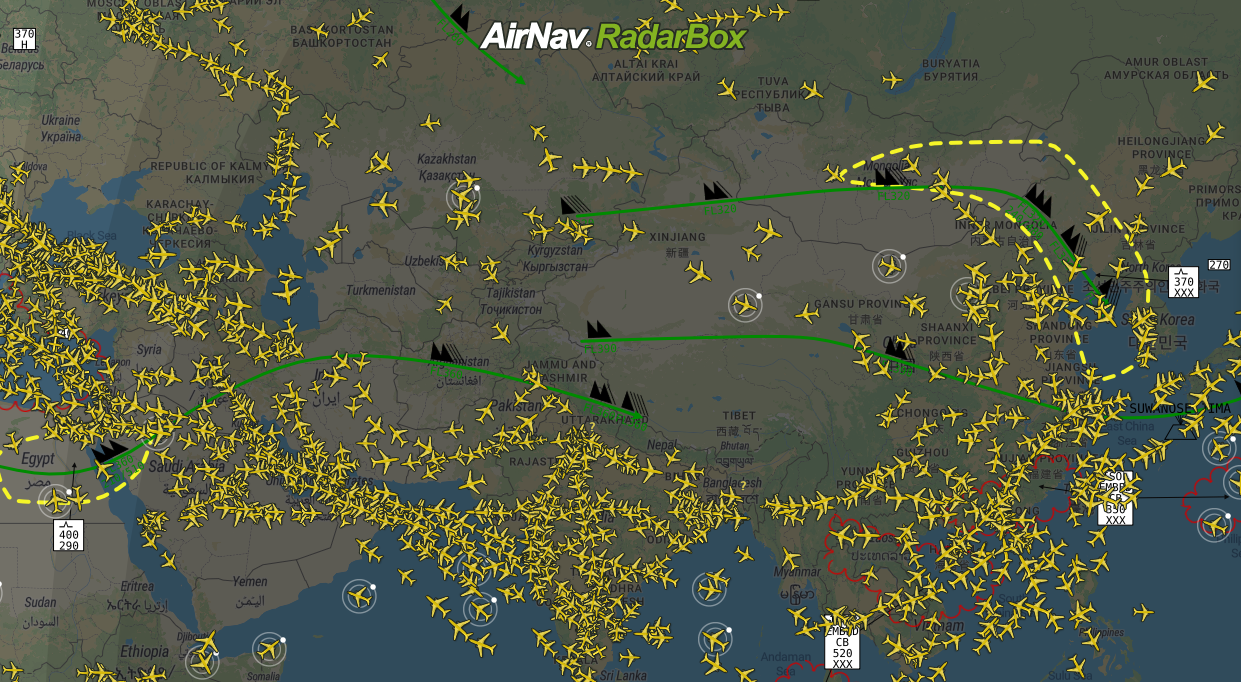
Significant Weather overlayed on the map
How to activate weather layers on RadarBox.com
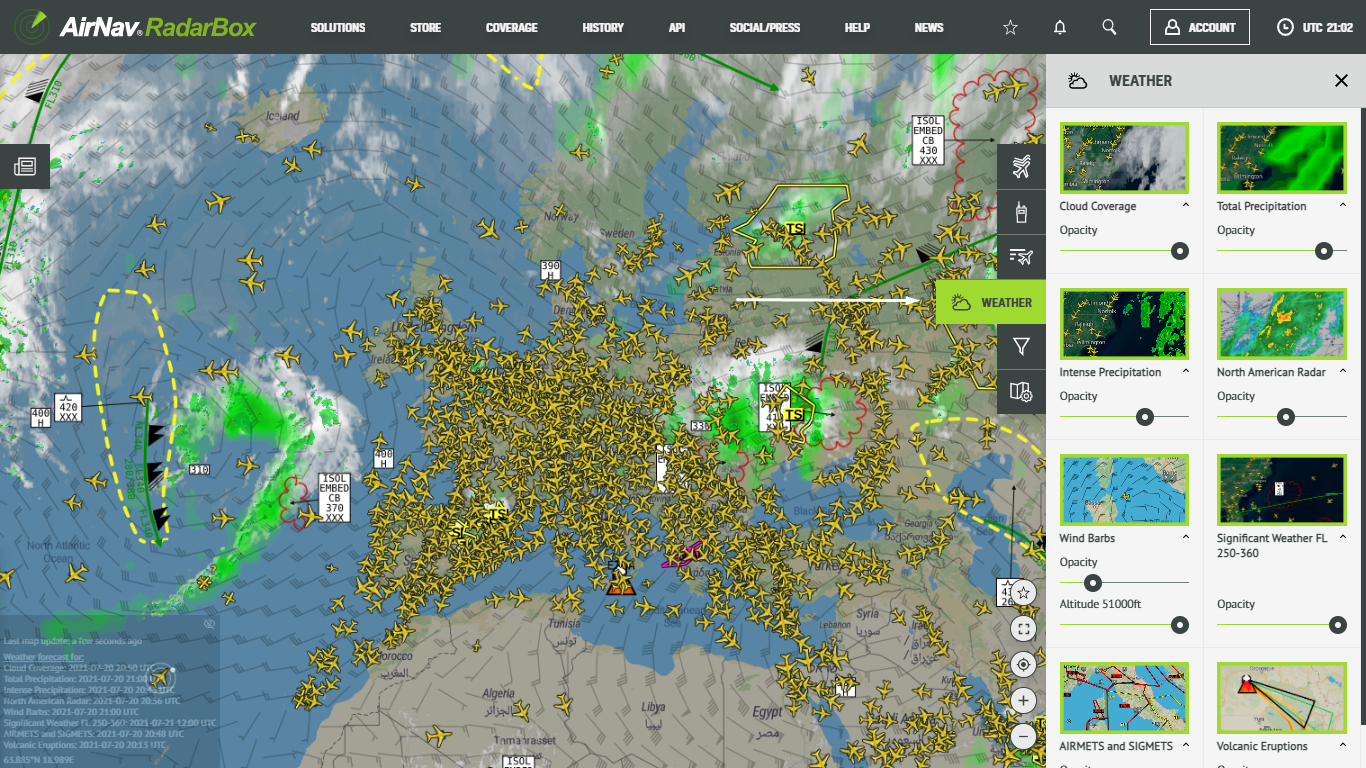
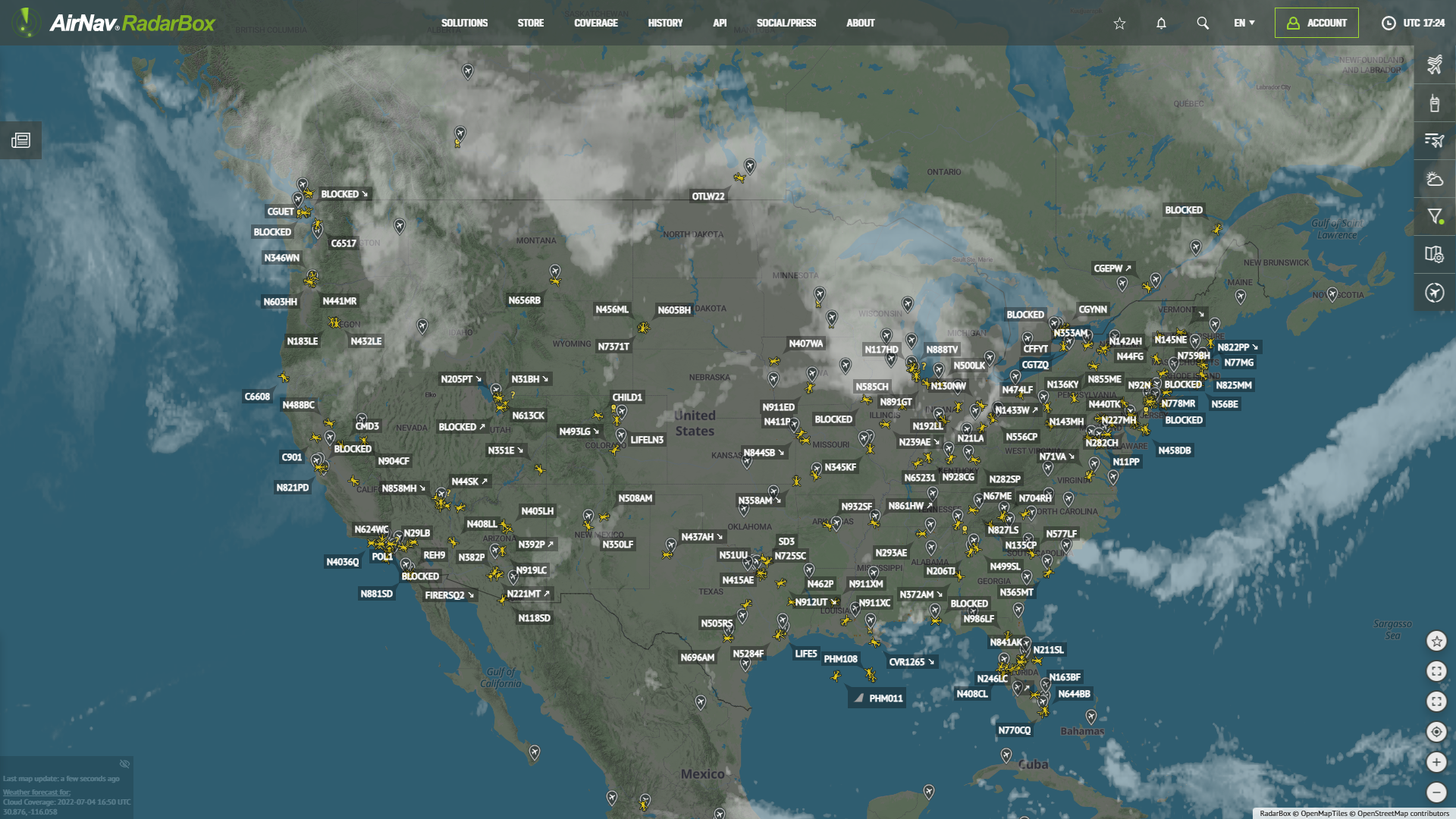
Weather layers overlayed on the map
To use the advanced weather layers, click and open the right side bar on the RadarBox.com page and select the fourth item, "Weather". Then click on the weather layer you wish to activate, for example, Cloud Coverage. And by clicking on "Opacity," you can change the opacity of this weather layer on the map by moving your mouse over this option.
If you have any questions or feedback, send us an email: [email protected] or send us a DM with your question or feedback on the hashtag: #RadarBox or @RadarBox24.