Weather Layers: AIRMETS, SIGMETS & Volcanic Eruptions
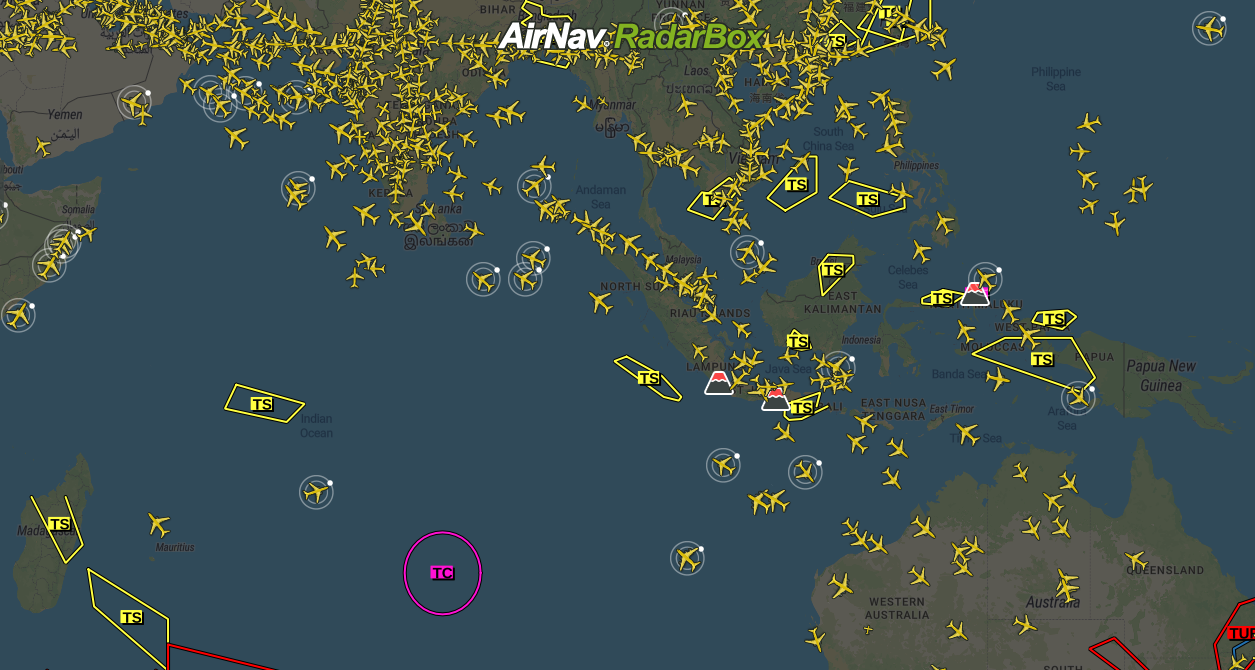
AIRMET, SIGMET, and Volcanic Eruptions overlayed on the map
In this blog post, we will be featuring three weather layers: AIRMET, SIGMET, and volcanic eruptions - all-important weather layers for flight and aviation safety.
AIRMET
AIRMET is a message consisting of a concise description concerning the occurrence or prediction of en-route weather phenomena, not included in Section I of GAMET, which may affect the safety of air operations below FL100 (or FL150 for mountainous areas).
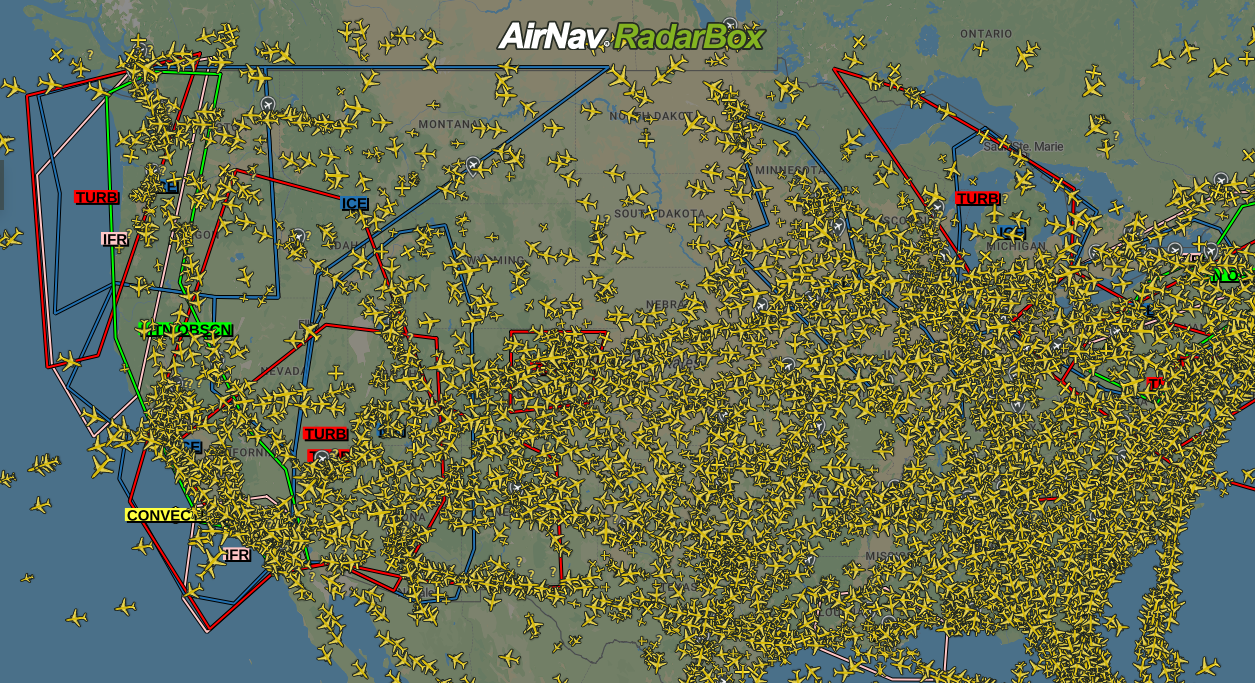
AIRMET overlayed on the map
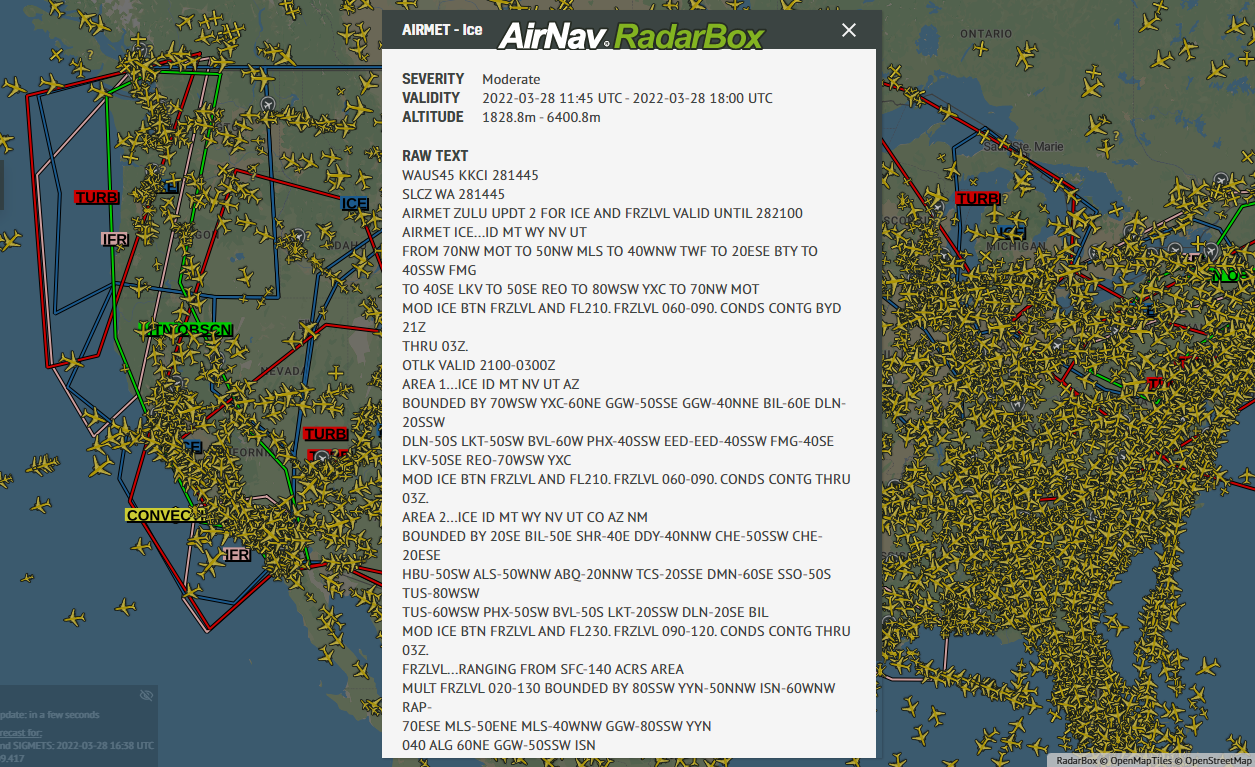
AIRMET information overlayed on the map
SIGMET
SIGMET is a message concerning the occurrence or prediction of certain weather phenomena (ice, cyclone, thunderstorm, and turbulence) en route and other phenomena in the atmosphere (volcanic ash, radioactive cloud, and volcano) that affect the safety of flight operations.
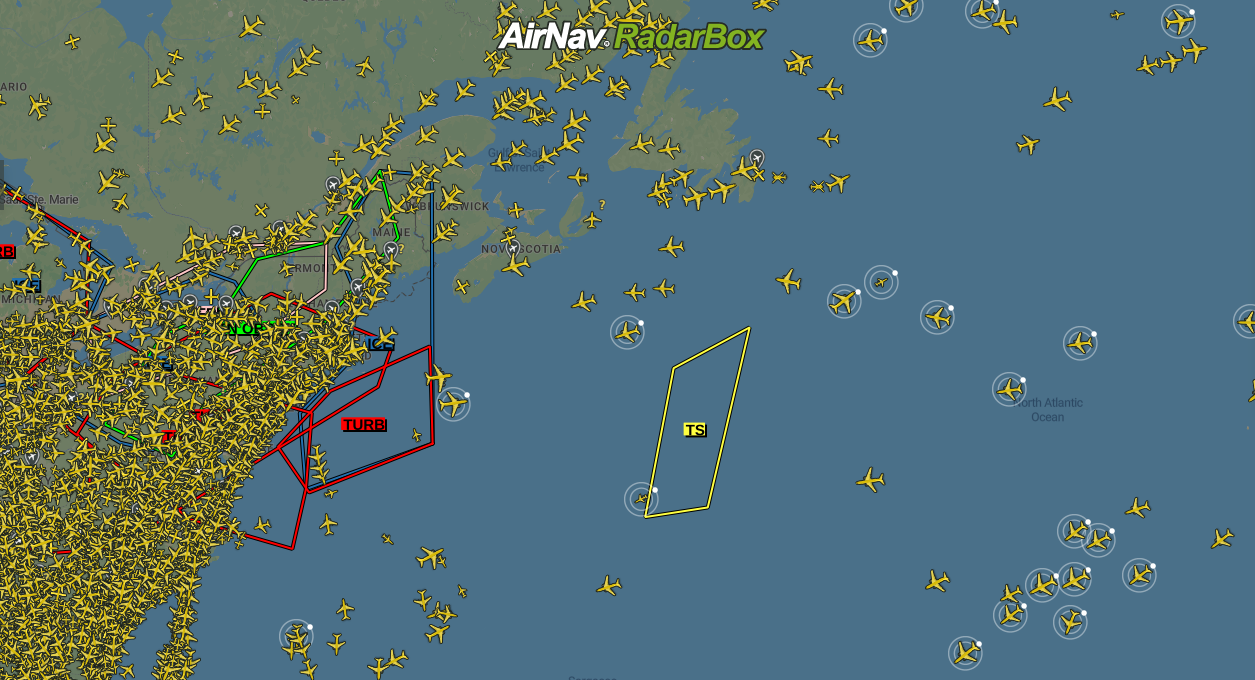
SIGMET overlayed on the map
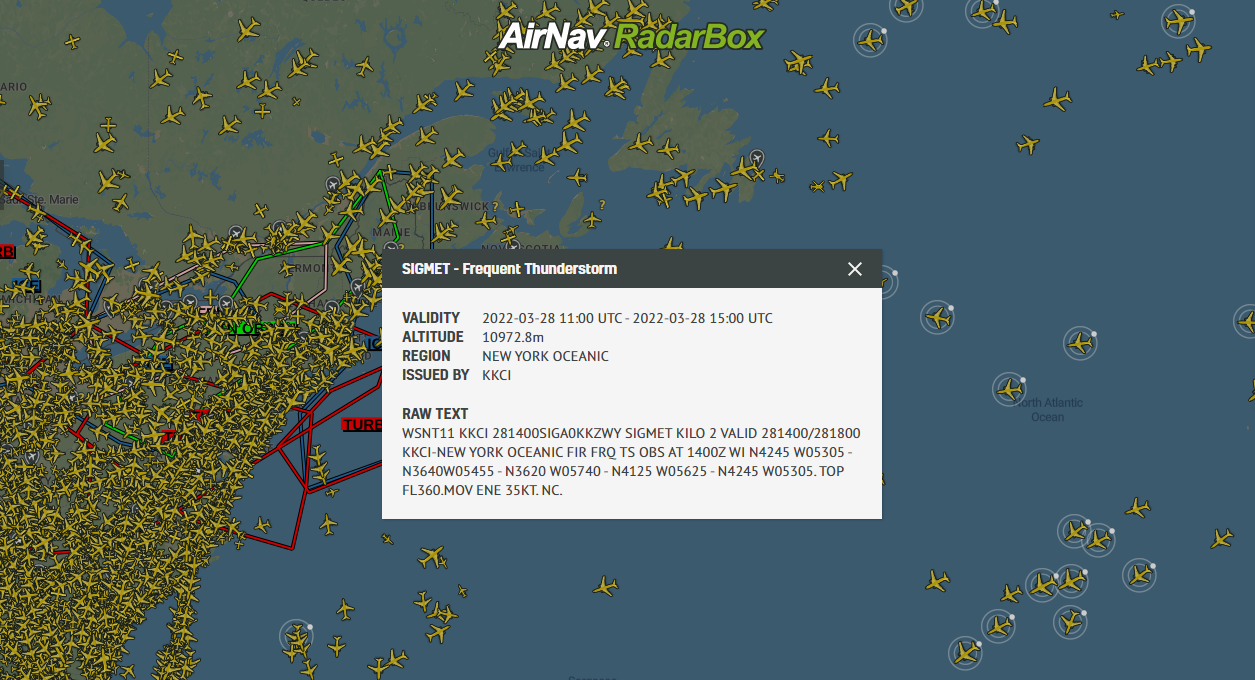
SIGMET information overlayed on the map
Volcano Eruptions
The volcano eruptions layer consists of information about the activity of volcanoes around the world with forecasts and observations consisting of altitude, etc. It is consistently updated with real-time data on volcano activity around the world.
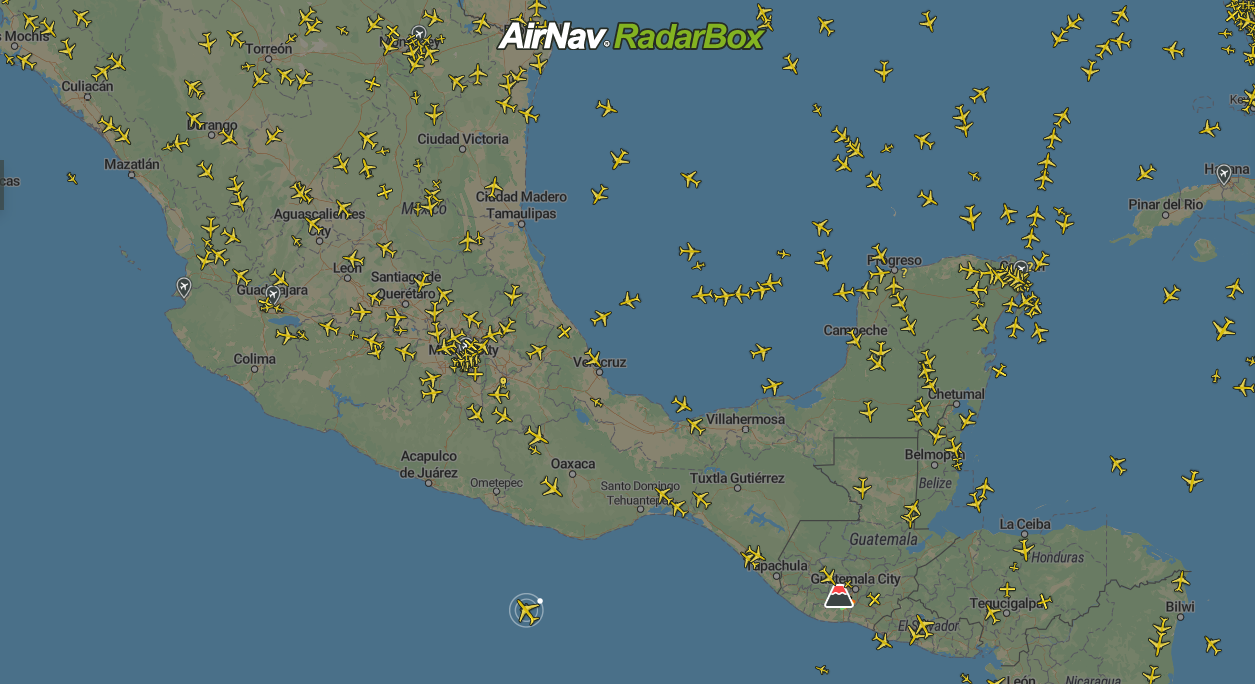
Volcanic Eruptions overlayed on the map
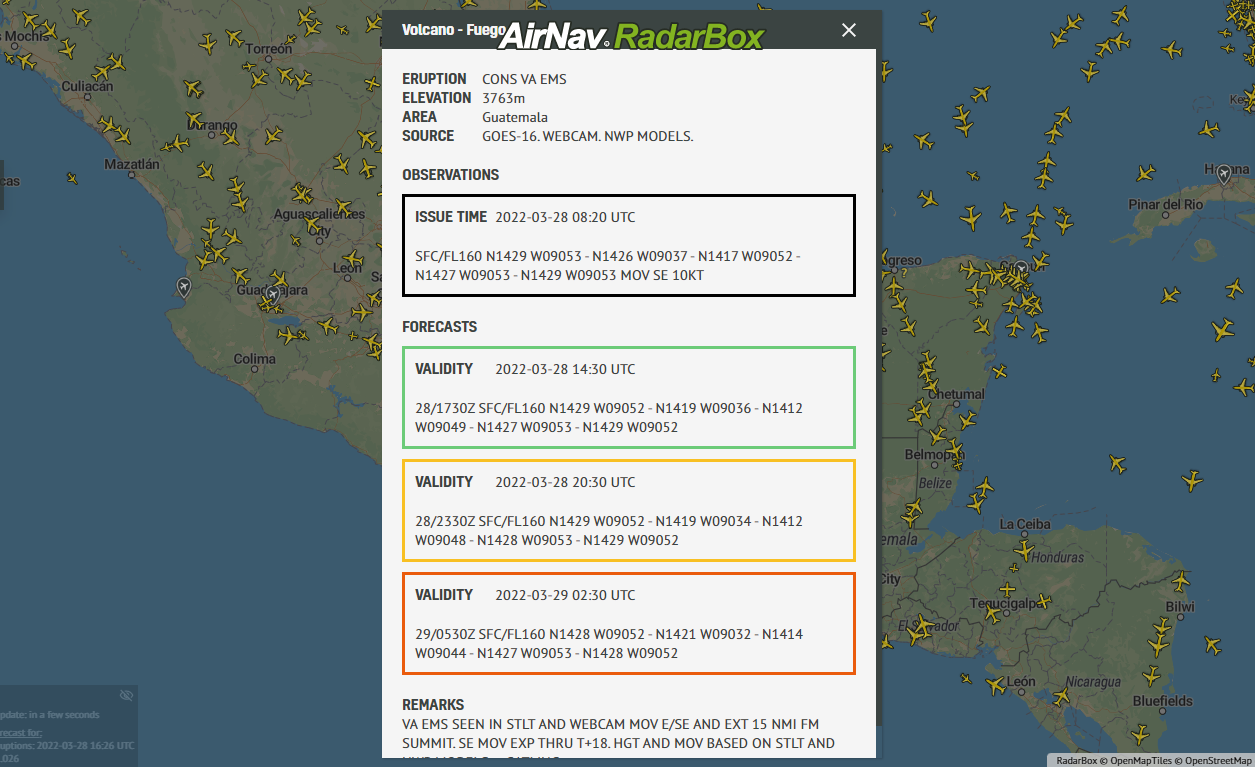
Volcanic Eruptions Information overlayed on the map
How to activate weather layers on RadarBox.com
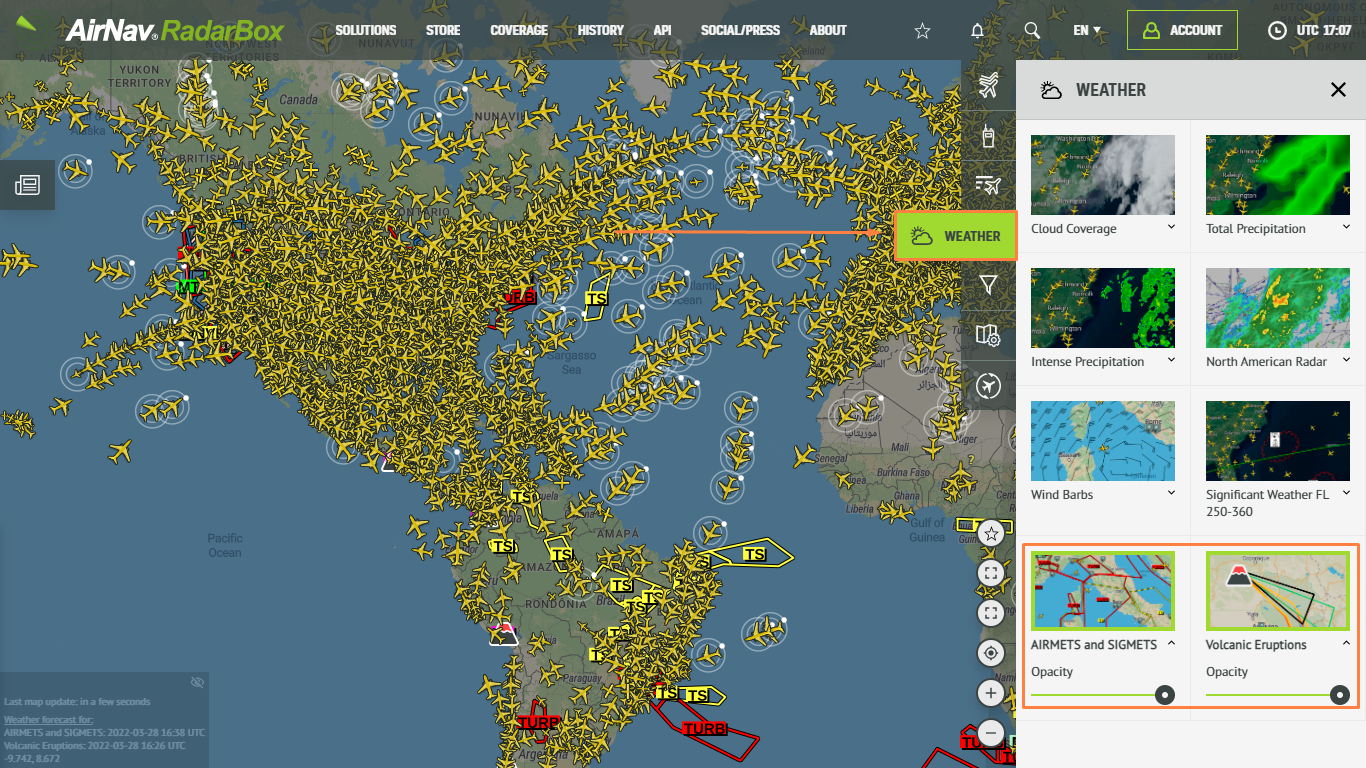
AIRMET, SIGMET, and Volcanic Eruptions overlayed on the map
To use our weather layers, navigate to the right side of the RadarBox.com page and select the fourth item, "Weather". Opening the tab, click on the weather layer you want to activate, for example, Cloud Coverage. And by clicking on "Opacity," you can change the opacity of this weather layer on the map by moving your mouse over this option.
RadarBox Apps
The weather layers are also available in the RadarBox apps on the right side, just select the "Weather" option and select the weather layer you want to be displayed on the map.
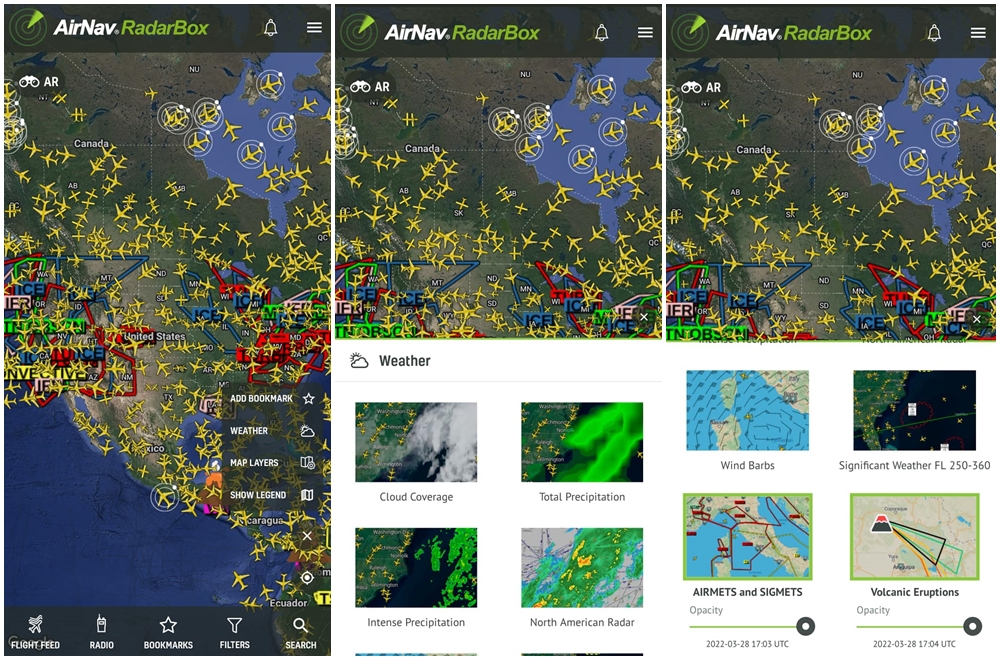
Weather Layers in the RadarBox Apps
To use this feature, why not consider subscribing to RadarBox? Click here to subscribe!
Download our apps now: