AirNav RadarBox Unveils Updates To Filter Menu
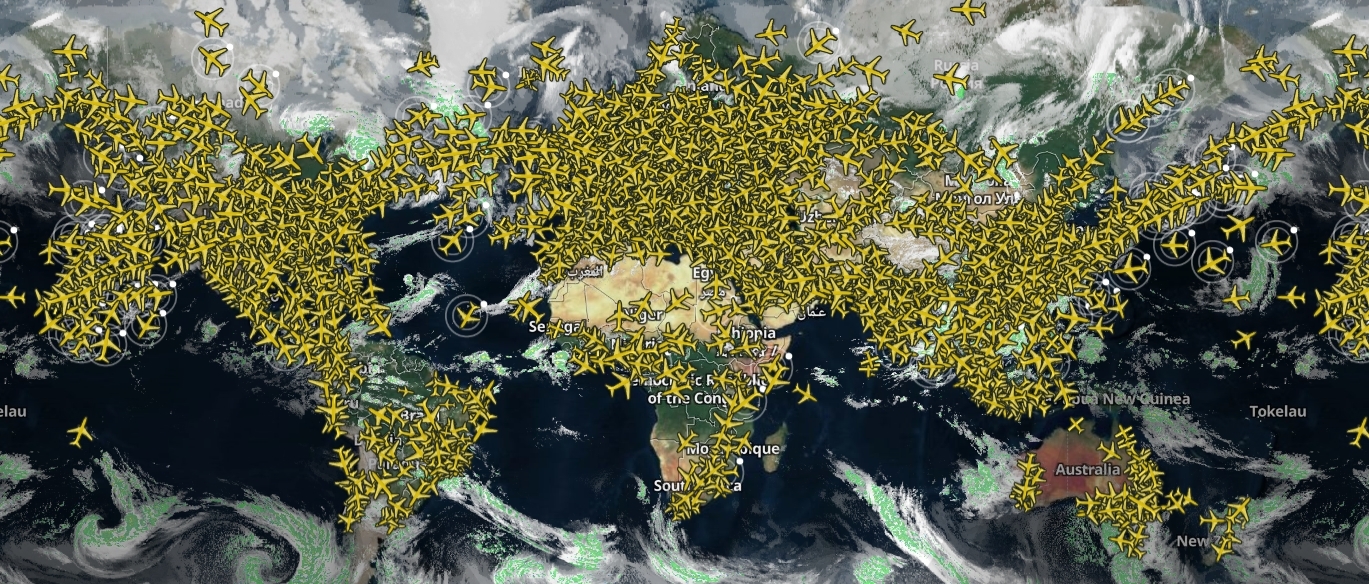
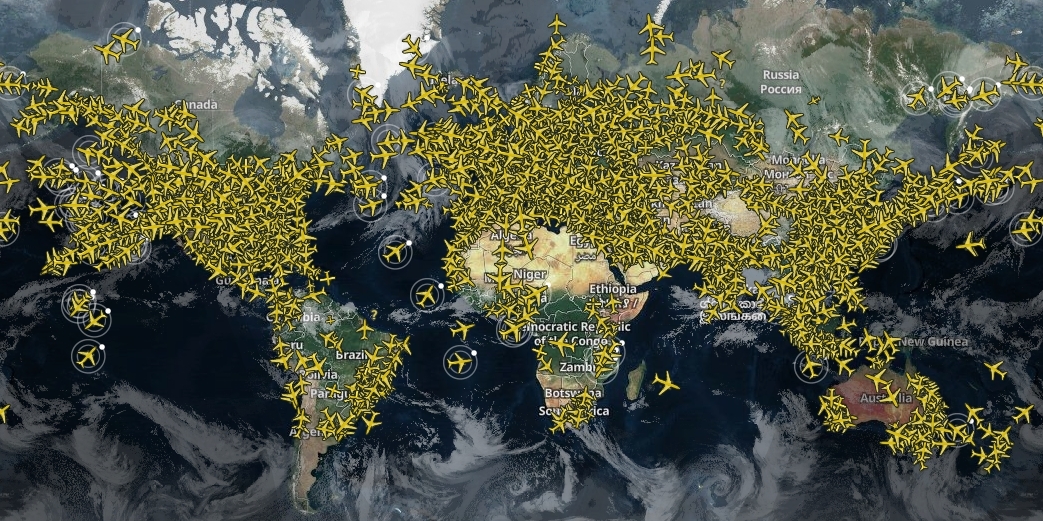
The Image Above: Global view of air traffic as seen from RadarBox
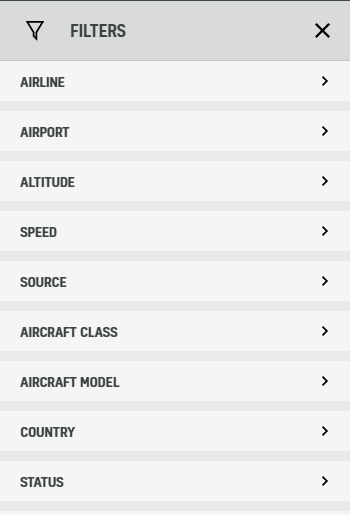
The Image Above: The list of filters that you can choose from on RadarBox has changed significantly in the latest development update.
In the next round of developmental changes, AirNav RadarBox is proud to unveil updates to the filter menu, in order to provide better selection when looking for your chosen flights.
As you can see from the image above, the filters have been individualized further into the following elements:
- Airline
- Airport
- Altitude
- Speed
- Source
- Aircraft Class
- Aircraft Model
- Country
- Status
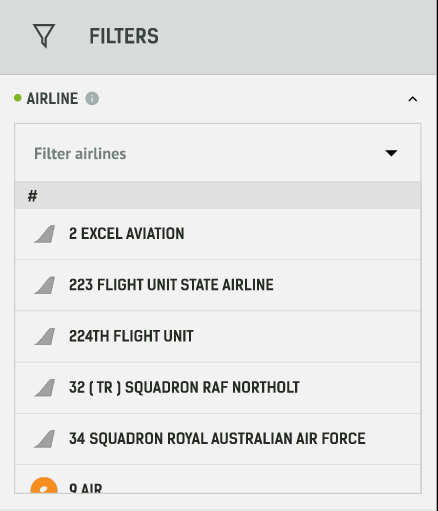
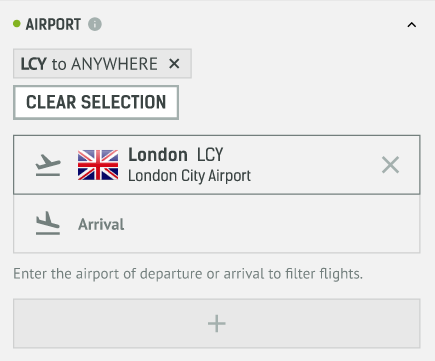
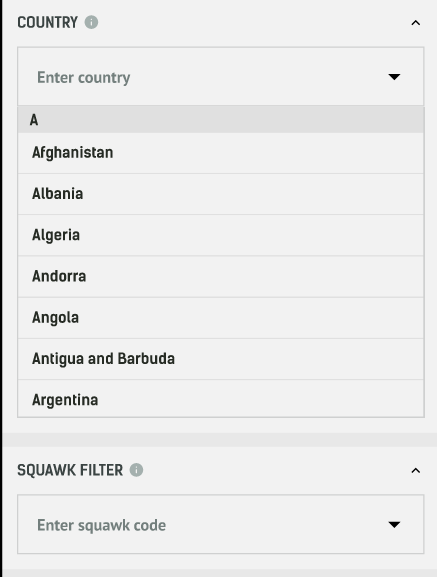
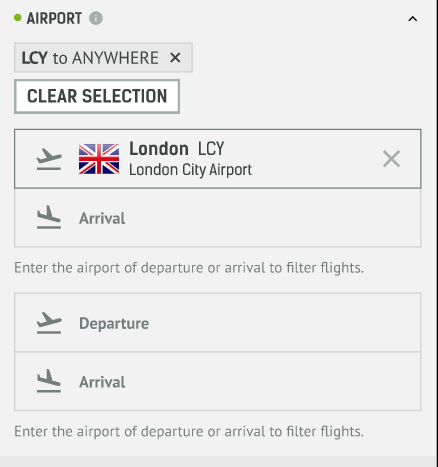
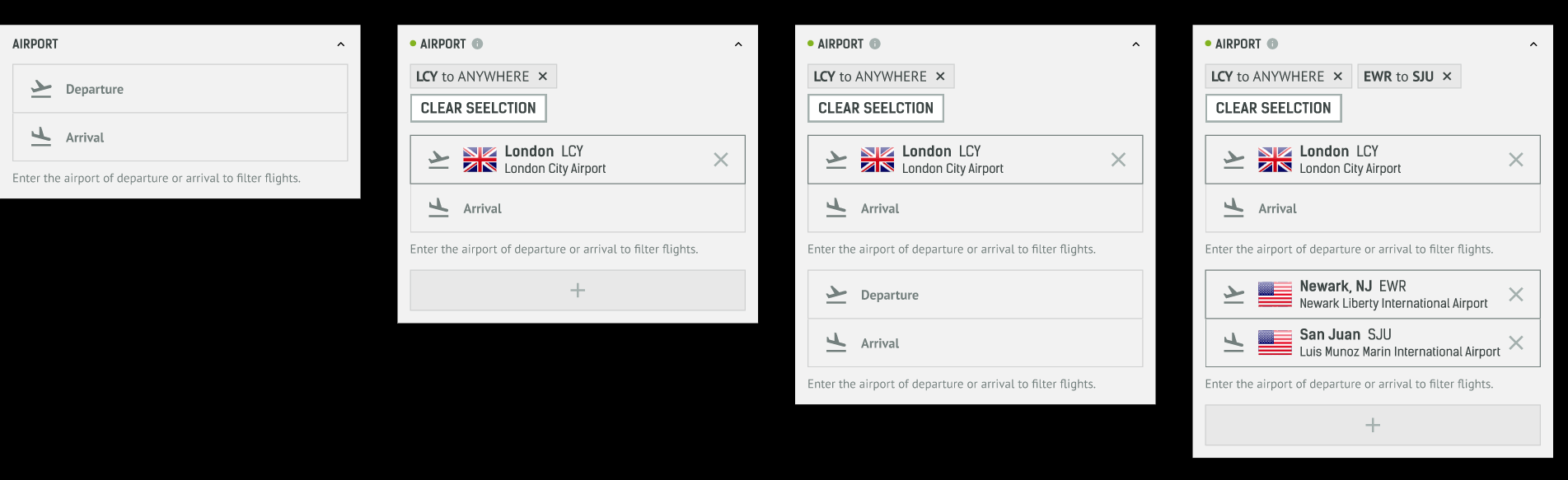
The Images Above: An in-depth look into using the updated Filters menu.
Such filters are aimed to give the user better ease of use and also explore more options within their flight tracking experience.
For the airlines and airports, you can select which flights you want to see on the map and from whichever departure and arrival points as well.
We have also added in a feature to filter by Squawk codes, meaning you can even track emergencies with better and relative ease too. This would include the 7500, 7600, and 7700 codes respectively.
Be sure to explore the full potential of our new Filters menu on RadarBox.com today!
To receive some of these benefits, why not consider subscribing to RadarBox? Click here to subscribe!