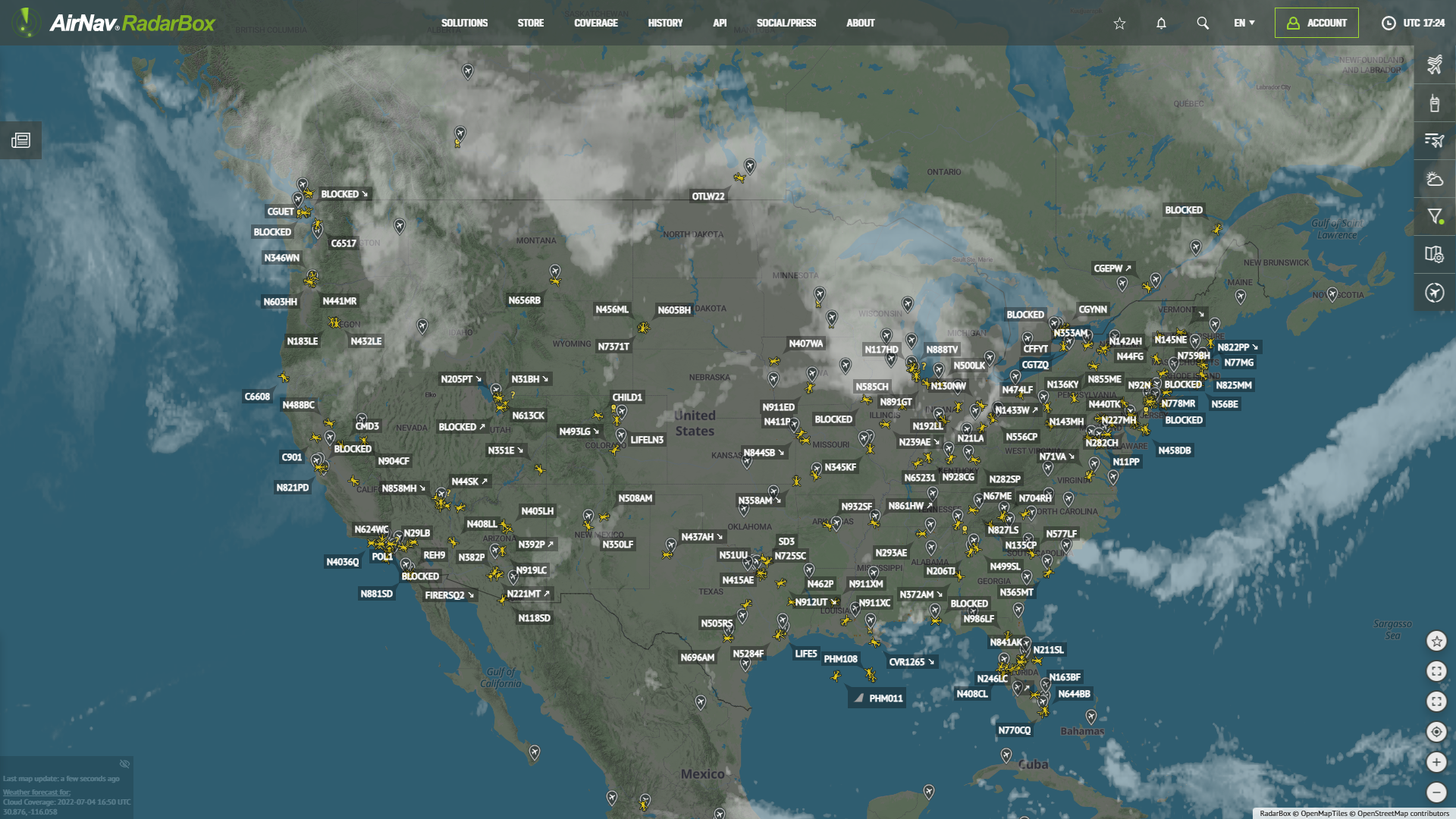
AirNav RadarBox Filters: Airlines
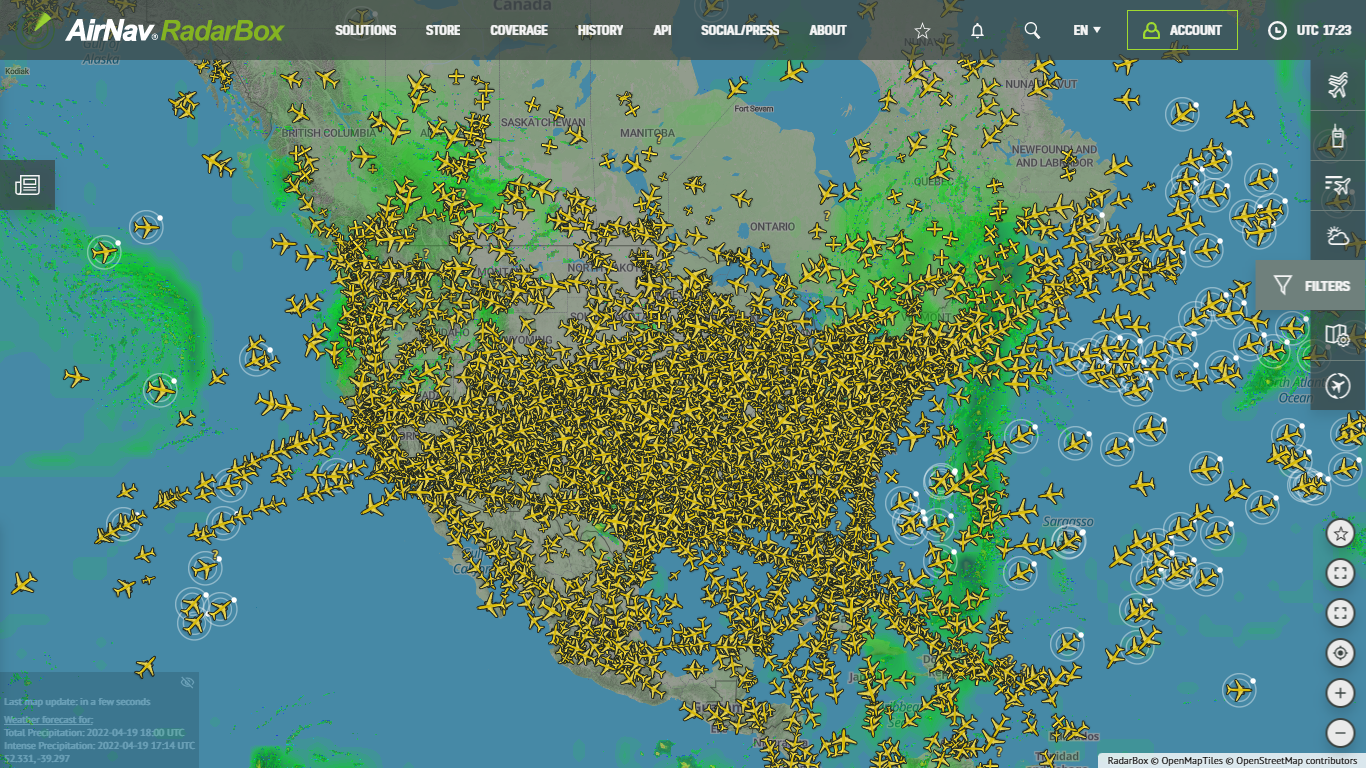
Filters available on RadarBox.com
AirNav RadarBox has a variety of filters, including filters for airlines, aircraft, airports, altitude, aircraft class, aircraft model, country of registration, status, data source, and so on. In this blog post, we feature AirNav RadarBox's airline filters.
How to use filters on RadarBox
Using RadarBox filters is simple. Visit RadarBox.com and select "Filters" located on the right sidebar of the RadarBox.com page. This feature is currently available on both RadarBox web and mobile versions (iOS & Android).
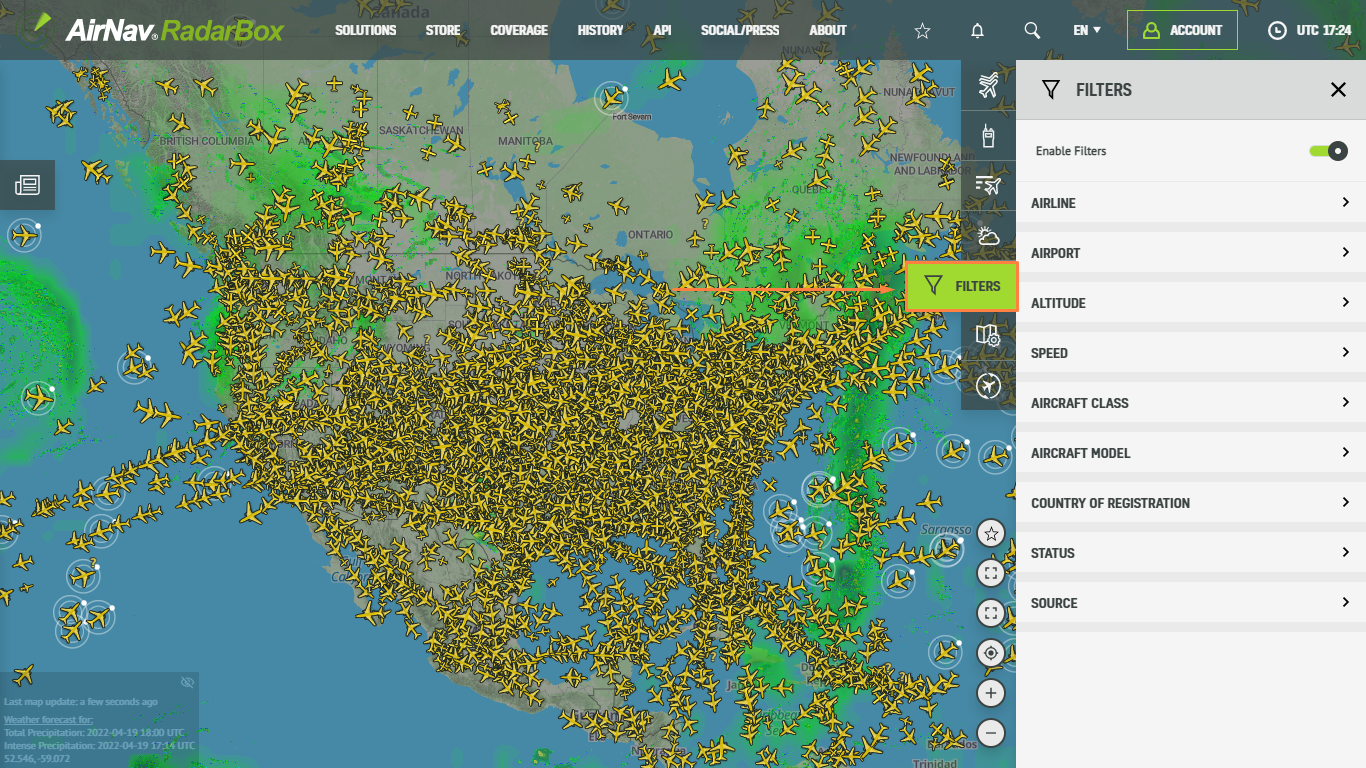
Filters available on RadarBox.com
Next, search by airline name, IATA, or ICAO code. We have activated the filter for all UPS flights in the screenshot below.
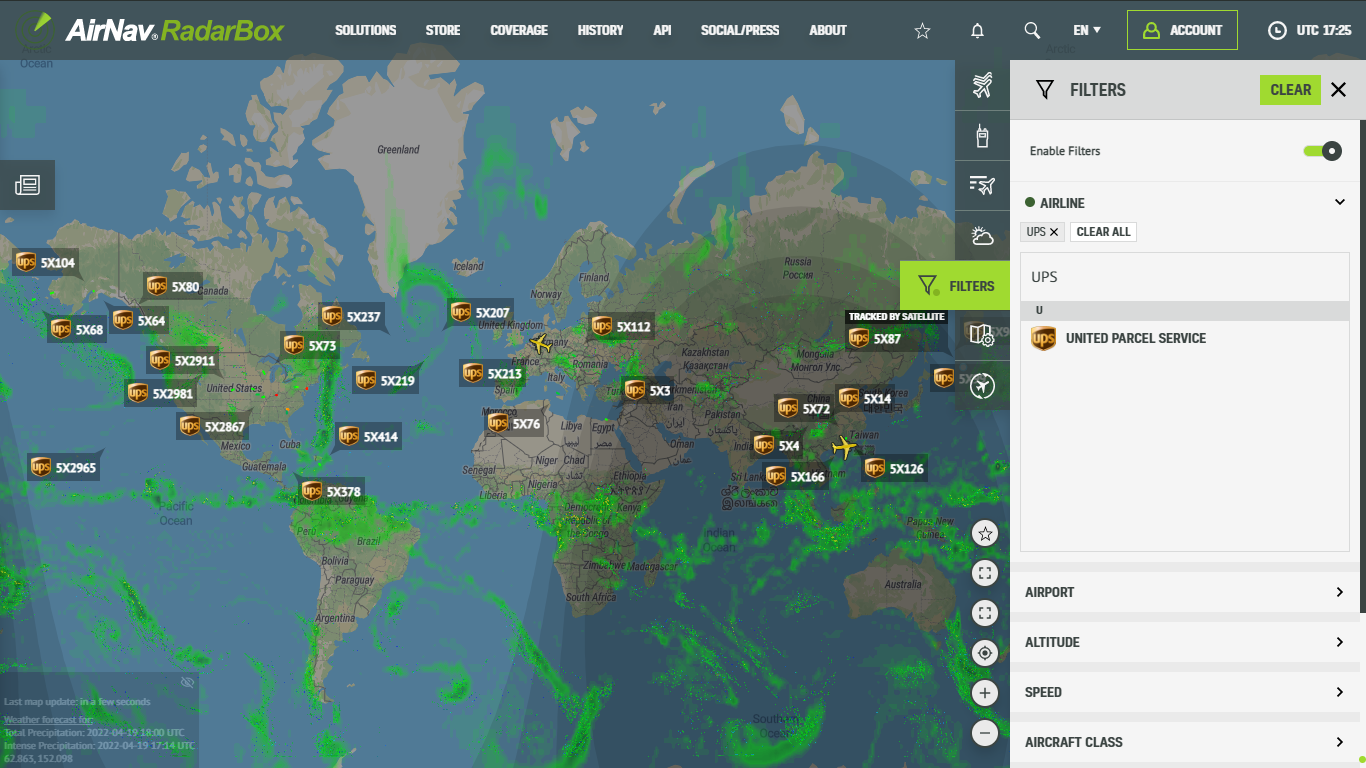
Filters available on RadarBox.com
You can also select an airline from a list of airlines provided by AirNav RadarBox. Just click on any random airline and start filtering! Easy, isn't it?
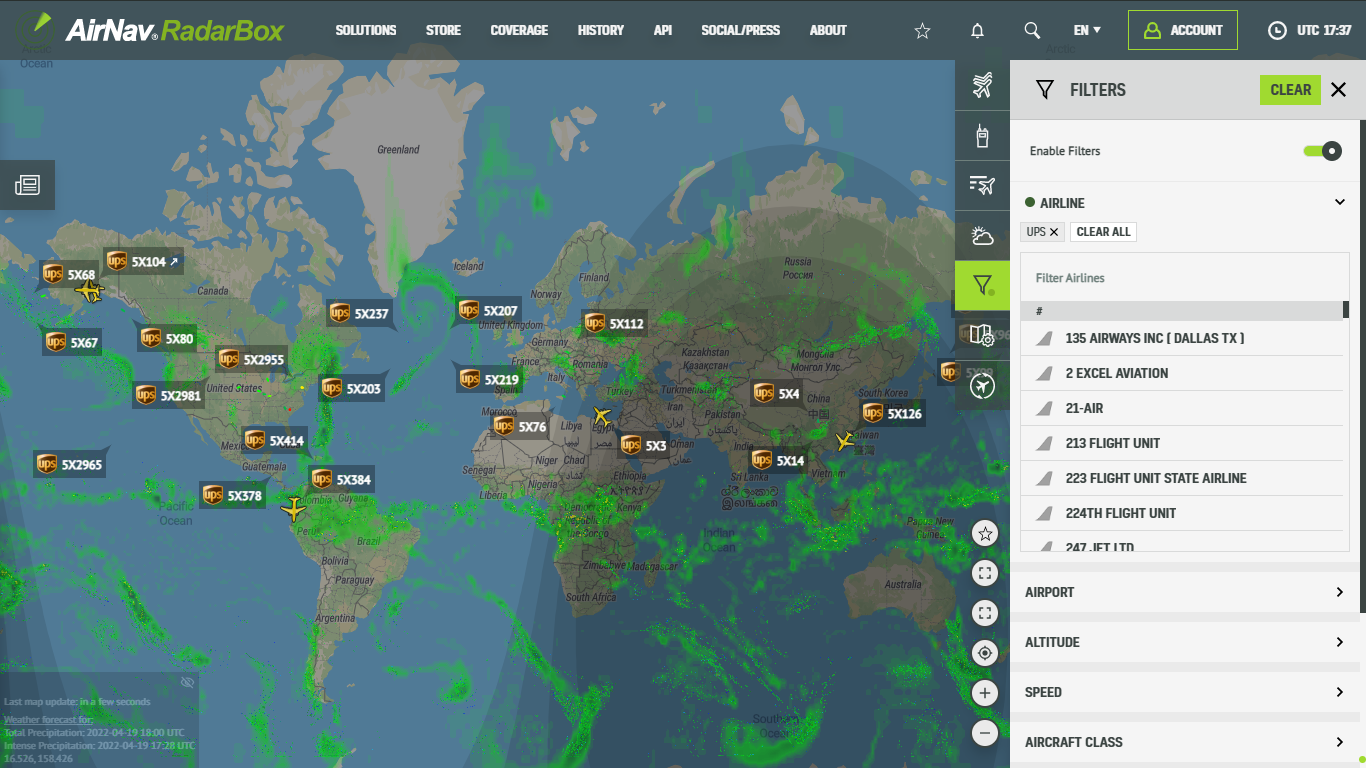
Filters available on RadarBox.com
You can also use the RadarBox search engine. Simply type in the airline name, IATA or ICAO code and start filtering!
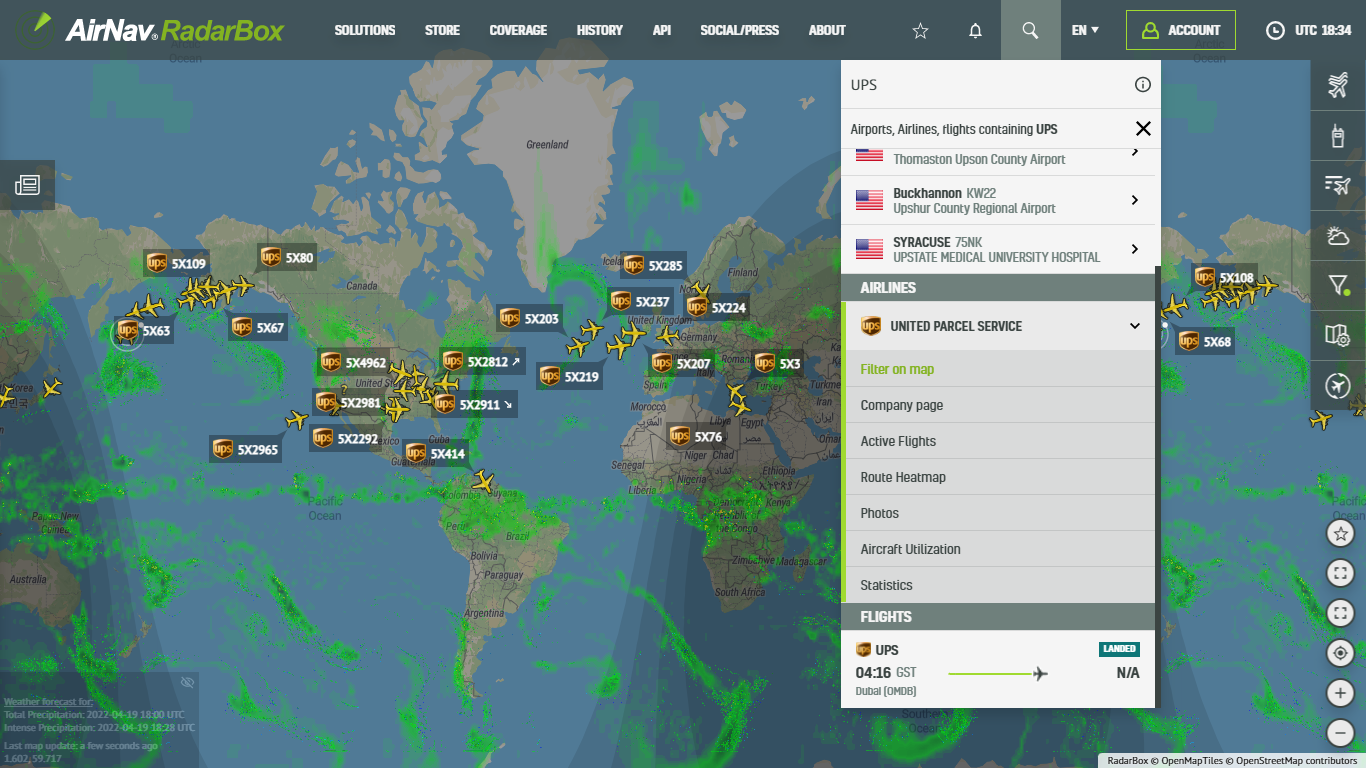
Filters available on RadarBox.com
RadarBox Apps (iOS & Android)
Filters are also available on our apps. Tap on the "Filters" option located in the bottom bar of the RadarBox apps. To activate the filters, type the aircraft name, airport, aircraft model, or if it is an airport, or an airline, enter the ICAO or IATA code.
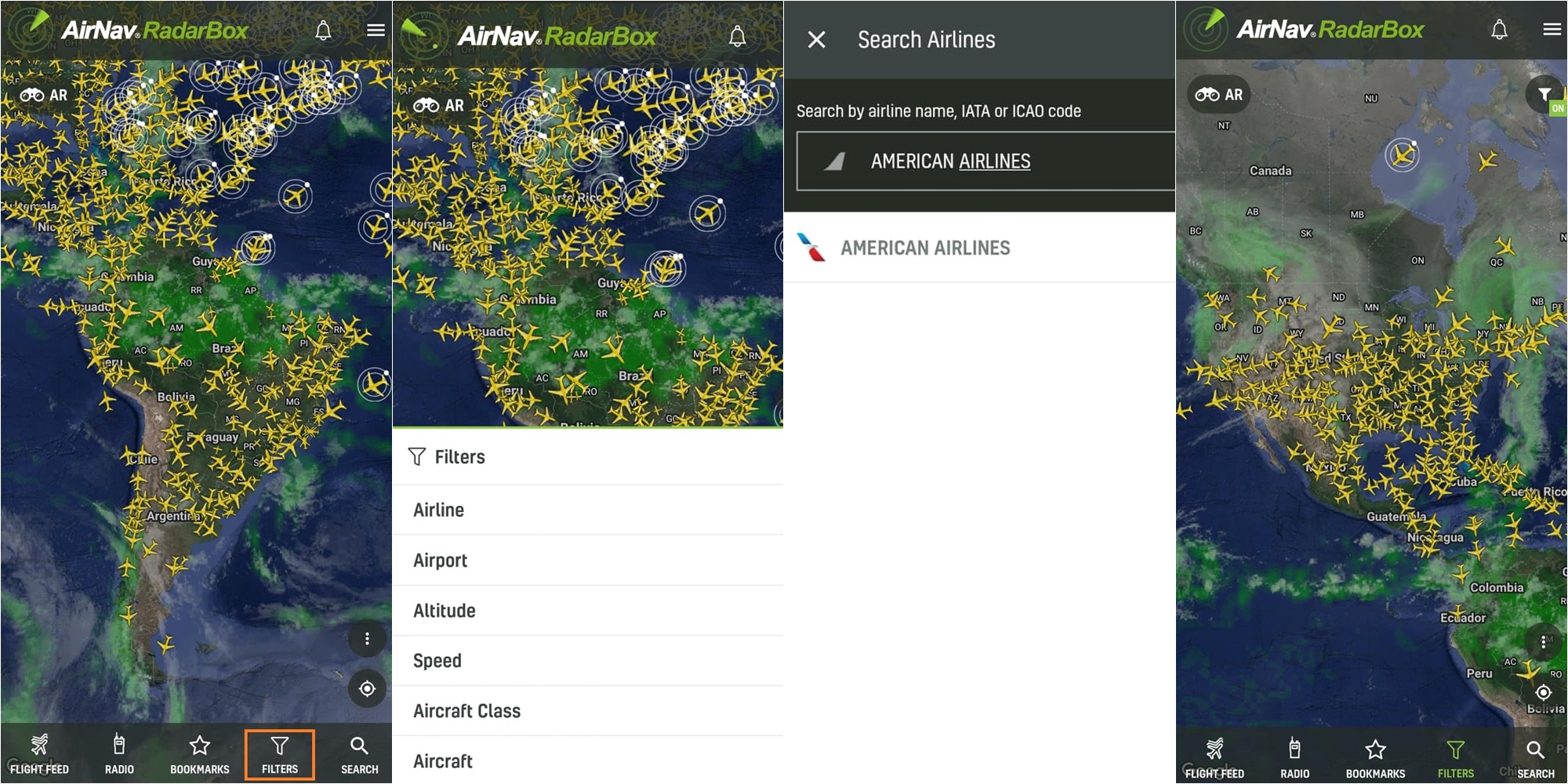
Filters available in the RadarBox app
To enjoy and use our exclusive filters why not consider subscribing to RadarBox? Click here to subscribe!
Download our apps now -